Network equipment and a workflow monitor beside an illustrative record-review tablet in an empty bright office.
Illustrative workflow; Source; Exception. Illustrative records: Owner, Review, Status; Approved, Exception, In review.

Capability

Technology, digitalisation & automation.

Make information, workflow and automation useful in operating decisions — starting with the people, processes and routines a tool should support.

Understand the decision and its evidence before selecting a technology response.
Useful information needs clear definitions, exception handling and ownership.

Digital transformation

Start with the operating decision.

Define the operating process, decisions and intended use before selecting or implementing a technology response.

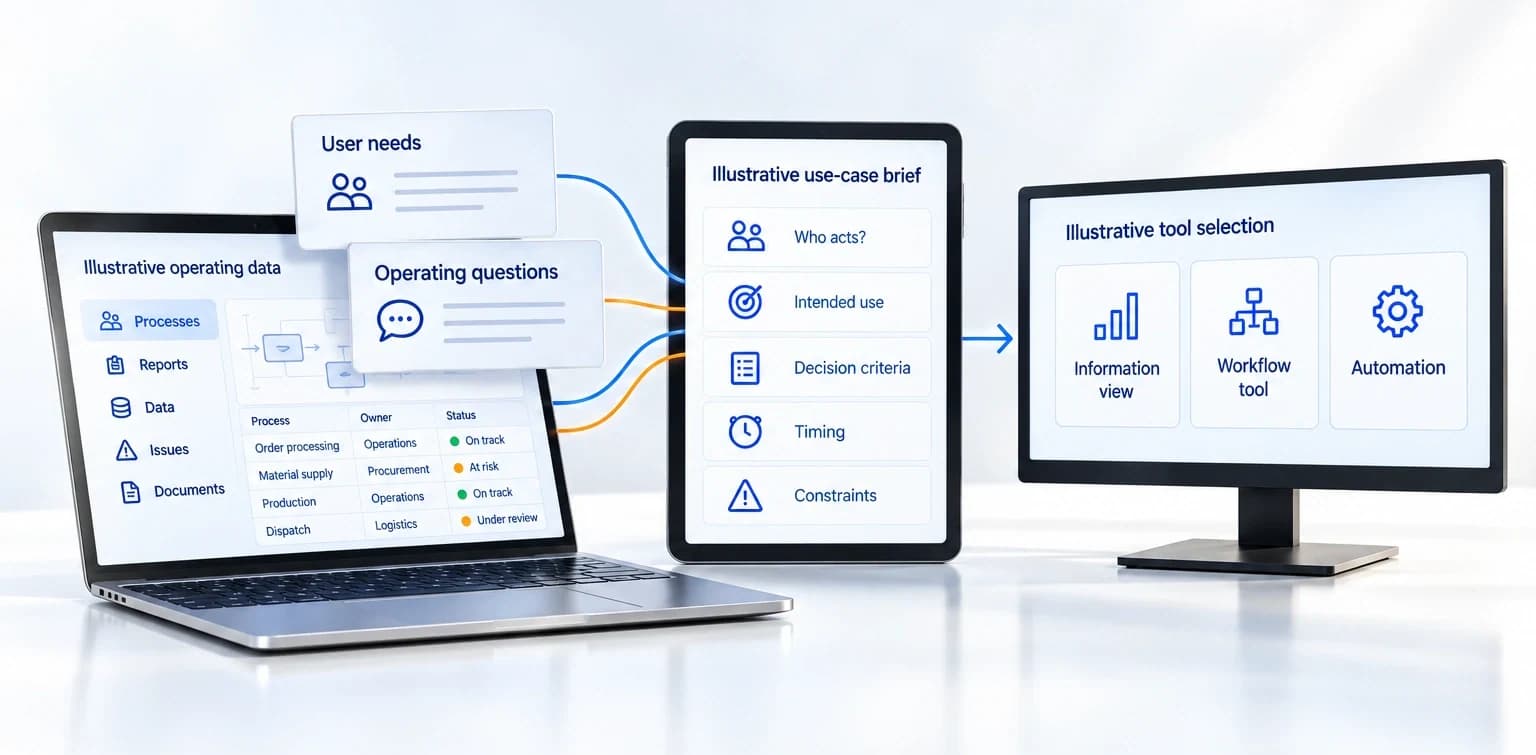
Operating data and user questions feed a use-case brief, which connects to information, workflow and automation choices on three devices.
Illustrative operating data: Processes, Reports, Data, Issues, Documents. Example rows Order processing / Operations / On track; Material supply / Procurement / At risk; Production / Operations / On track; Dispatch / Logistics / Under review. User needs and Operating questions feed Illustrative use-case brief: Who acts?, Intended use, Decision criteria, Timing, Constraints; then Illustrative tool selection: Information view, Workflow tool, Automation.

A defined operating need gives technology a purpose.

User need

Establish who needs to act and what question the response should help them answer.

Operating context

Examine current reports, process routines, recurring difficulties and constraints.

Use-case definition

Clarify intended use, decision criteria and relevant timing before a platform choice.

A tool should support a defined operating need. The use case gives information, workflow and implementation choices a practical purpose.

Current reports, user needs, operating questions and a use-case or decision brief may help shape the enquiry. The information needed depends on the question.

Start a conversation

Dashboards and analytics

Make information useful for action.

Specify information that helps people act on performance, risk, resources, suppliers and compliance.

Current reports, source definitions, data ownership and known gaps can inform a proposed view or prototype tested with users.

Illustrative operational view connects definitions, sources, known gaps and ownership to decisions and next actions.
Example view — illustrative
Example view — illustrative. Operational overview: Overview, Risk, Resources, Suppliers, Compliance. Key considerations: Review required / Items need attention; Action to consider / Follow up and assess; Definition to confirm / Confirm meaning; Access to confirm / Check permissions. Information sources (illustrative): Internal systems, Supplier data, External sources → Proposed view. Definitions and data: Definition to confirm / What does this mean?; Source to confirm / Where does the data come from? Ownership and next steps: Owner to confirm / Who maintains it?; Action to consider / What happens next? Callouts: Question / What decision is this view for?; Source / Where does the data come from?; Definition / What does this mean?; Known gap / What are the limitations?; Information owner / Who maintains it?; Action to consider / What happens next? Hardware labels Internal systems, External sources, Data quality, Information ownership, Action review. Areas of focus: Operations, Risk, Suppliers, Compliance.

Definitions and sources

Clarify what information means, where it comes from and known gaps.

Decision relevance

Connect the proposed view to the question, exception or action the user needs to consider.

Ownership and access

Agree who maintains information and confirms the access and controls needed for use.

A view is useful when its definitions, source limits and implications for action are clear.
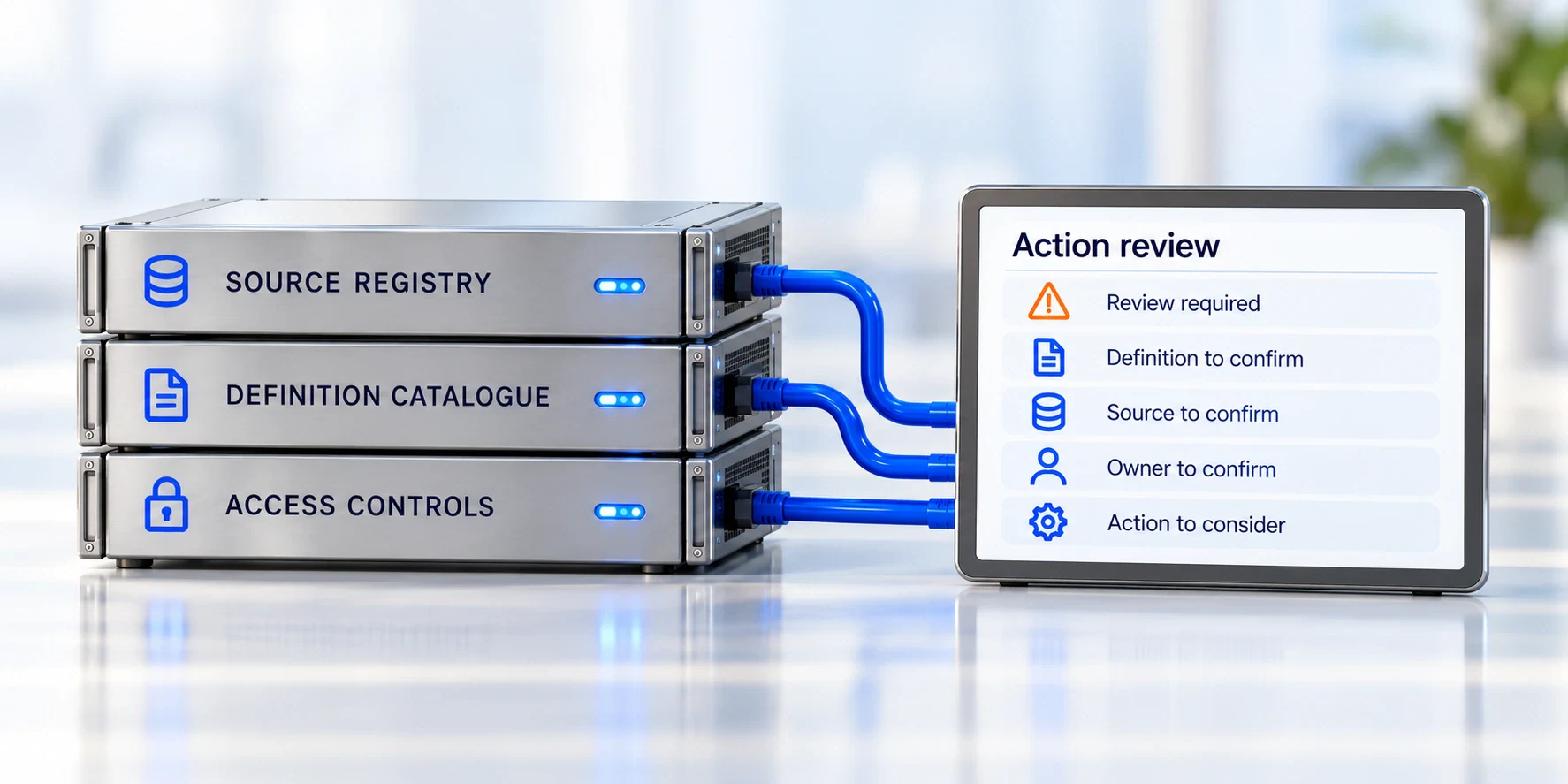
Source, definition and access modules connect to a tablet listing action-review questions.
Source registry; Definition catalogue; Access controls connect to Action review: Review required, Definition to confirm, Source to confirm, Owner to confirm, Action to consider.

Workflow standardisation

Clarify the handoff before automating it.

Clarify steps, approvals, records, exceptions and responsibilities before automation.

Two workflow variants converge on evidence, then approval, decision recording and a receiving owner; incomplete information returns to evidence.
Illustrative workflow. Team A / Follows a different routine and Team B / Follows its own routine merge into Evidence / Required information and supporting records: Documents, Supporting records, Related information. Evidence → Approval owner / Review and decision: Approve, Request clarification. Approved → Decision record / Capture the decision, evidence and owner: Decision record, Linked evidence, Owner recorded → Receiving owner / Next person or team takes it forward: Assigned to, Next steps, Ongoing work. Incomplete information — return for clarification runs Approval owner → Evidence. Illustrative workflow. Team A and Team B → Evidence → Approval owner → Approved → Decision record → Receiving owner. Incomplete information — return for clarification: Approval owner → Evidence. Cards retain Documents, Supporting records, Related information; Approve, Request clarification; Decision record, Linked evidence, Owner recorded; Assigned to, Next steps, Ongoing work.

Workflow variants

Examine how the work currently differs across users, teams or situations.

Decisions and approvals

Identify required evidence, approval points and responsible owners.

Exceptions and handoffs

Establish how work changes state, who receives it and what happens when information is incomplete.

Automating an inconsistent process can carry its ambiguity forward.

Define the routine and the exceptions it must handle.

Useful information may include workflow and approval records, recurring exceptions, decision maps and action ownership.

Process owners remain accountable for use.

Start a conversation

Process and compliance automation

Define what repeats — and who maintains it.

Develop requirements for repeatable tracking, calendars, records and reporting, supported by clear control and maintenance responsibilities.

Start a conversation
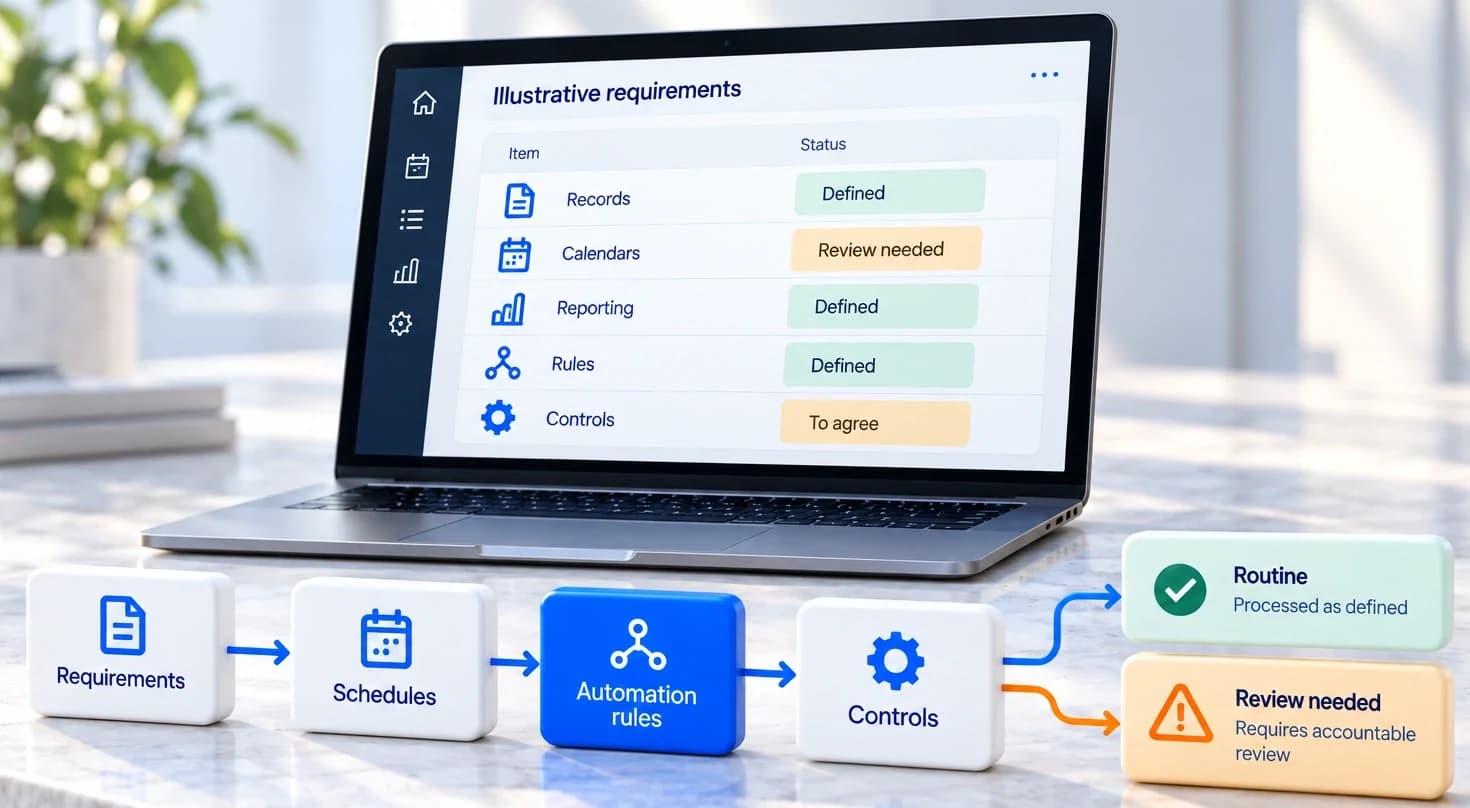
An illustrative requirements laptop and process blocks connect repeatable work and rules to routine handling or accountable review.
Illustrative requirements. Records / Defined; Calendars / Review needed; Reporting / Defined; Rules / Defined; Controls / To agree. Requirements → Schedules → Automation rules → Controls branches to Routine / Processed as defined and Review needed / Requires accountable review.
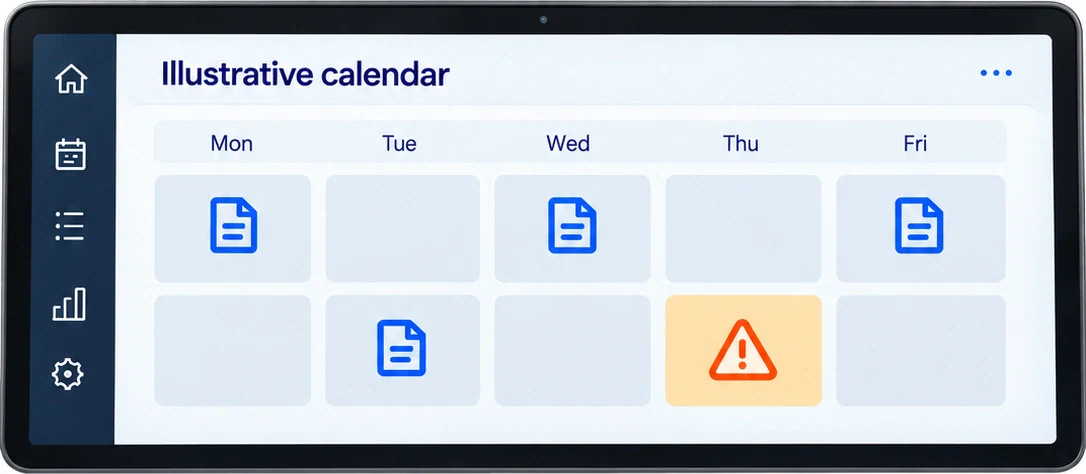
Illustrative calendar on a freestanding tablet with document and review symbols.
Illustrative calendar: Mon, Tue, Wed, Thu, Fri, document and review icons.

Repeatable work

Identify the activity, records or reporting that could be supported consistently.
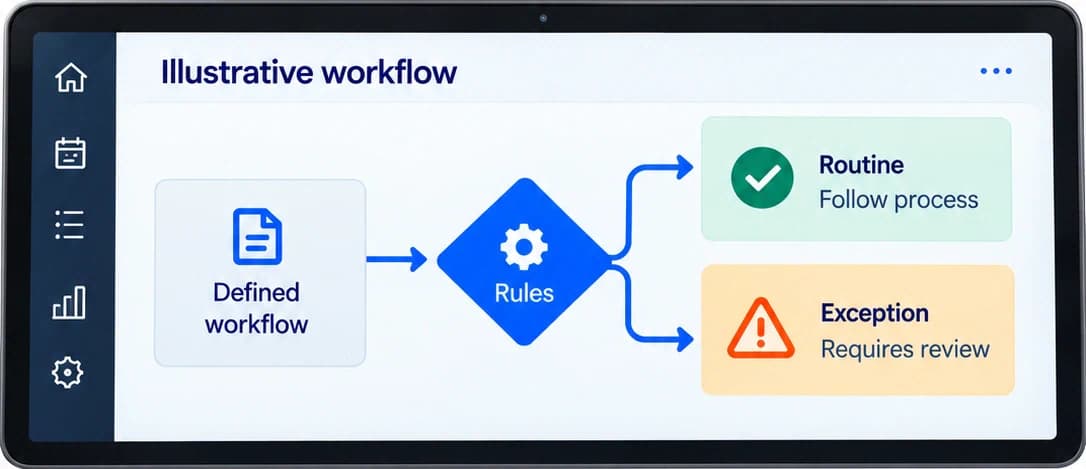
Illustrative tablet workflow branches from defined rules to routine or exception review.
Illustrative workflow: Defined workflow → Rules → Routine / Follow process or Exception / Requires review.

Rules and exceptions

Connect the requirements to the defined workflow and the situations requiring review.
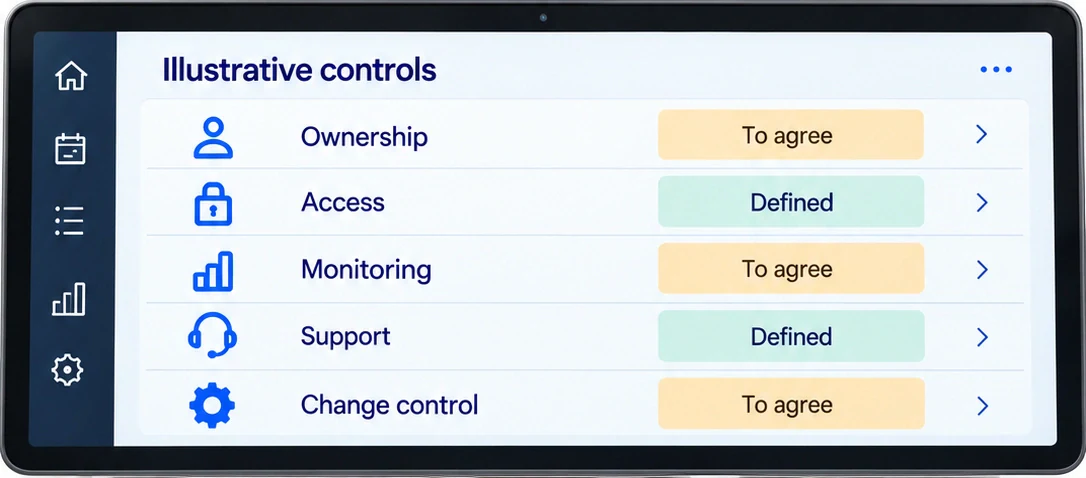
Illustrative controls tablet lists ownership, access, monitoring, support and change control.
Illustrative controls: Ownership / To agree; Access / Defined; Monitoring / To agree; Support / Defined; Change control / To agree.

Maintenance and controls

Agree the responsible owners, access arrangements and support for continuing use.

Useful information may include tracking requirements, recurring calendars, record and reporting needs, control responsibilities and support arrangements.

Automation follows a defined process and depends on continuing ownership of information, controls and exceptions.

Compliance tracking supports the handling of actual obligations. It does not establish legal compliance or replace professional review.

From proposed response to continuing use

A useful design needs a way to keep working.

A prototype can help test a proposed view or workflow with users. Adoption and continuing support matter after implementation.
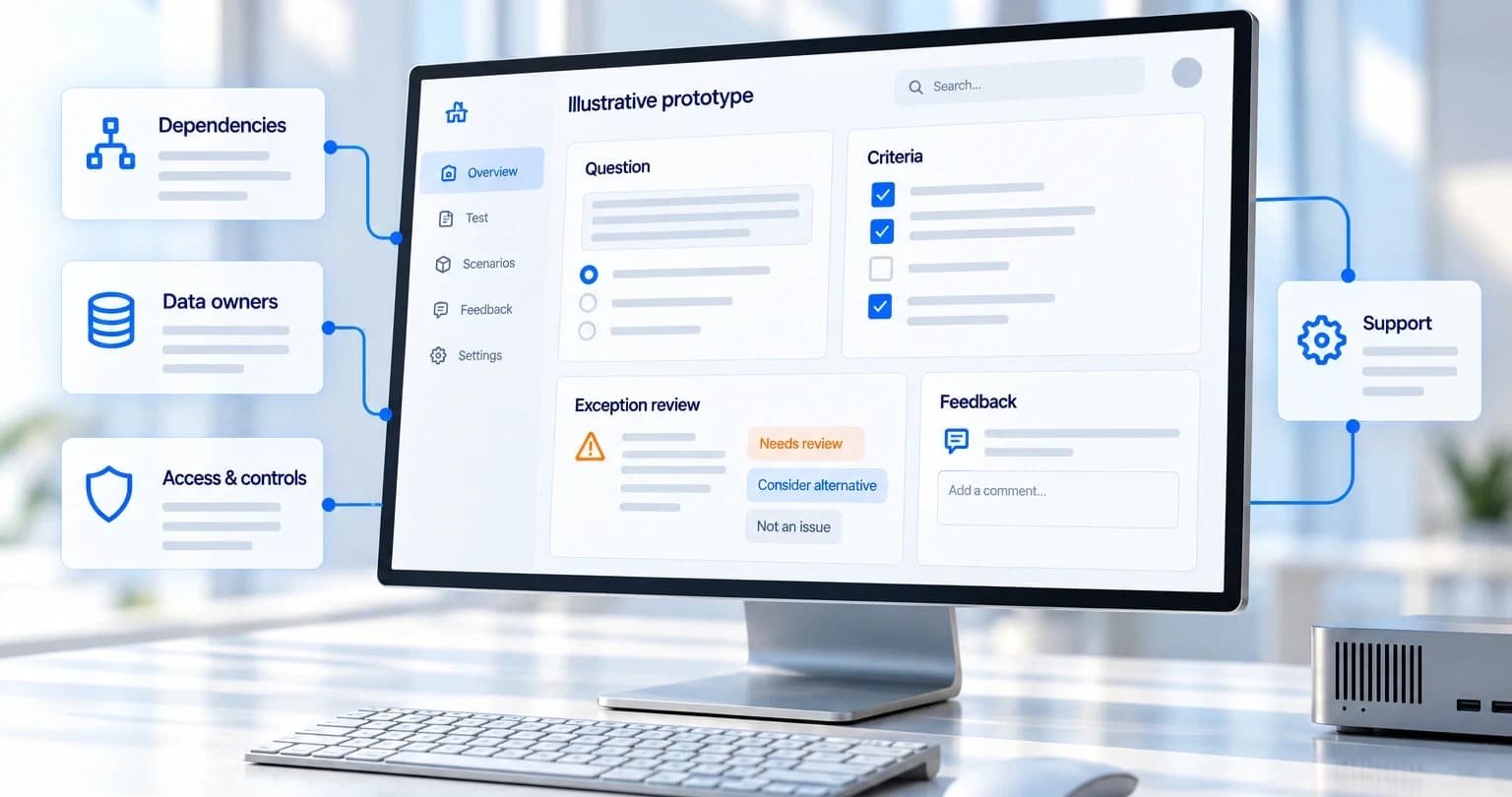

A proposed software view connects user questions and exception review to dependencies, data owners, access controls and support.
Illustrative prototype. Overview, Test, Scenarios, Feedback, Settings. Question, Criteria, Exception review: Needs review / Consider alternative / Not an issue; Feedback / Add a comment. Connected Dependencies, Data owners, Access & controls, Support.
Illustrative question panel identifies a potential exception.
Question; Potential exception.

Users and criteria

Test whether the proposed response helps with the intended question, including exceptions.
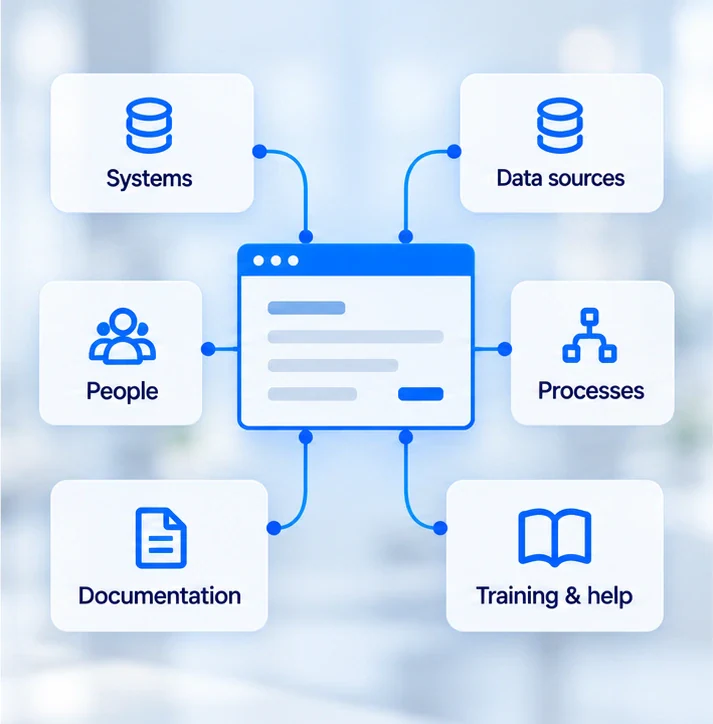
Systems, data sources, people, processes, documentation and training connect to a proposed software view.
Systems, Data sources, People, Processes, Documentation, Training & help connect to prototype.

Dependencies and adoption

Consider implementation dependencies, involvement, training, documentation and capability transfer relevant to the scope.
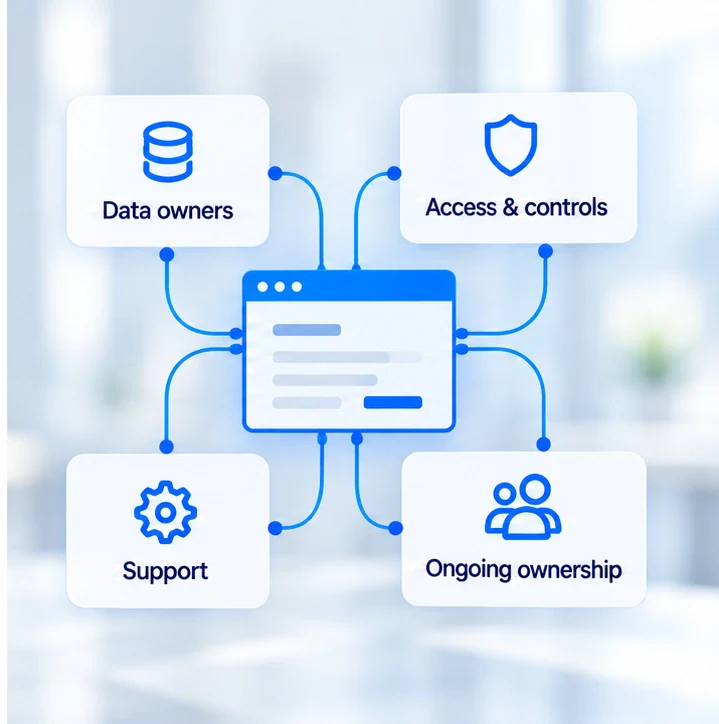
Data owners, access controls, support and ongoing ownership connect to a proposed software view.
Data owners, Access & controls, Support, Ongoing ownership connect to central software view.

Continuing ownership

Define data, process, control and support responsibilities, with review of continuing use.

Technology and implementation roles are engagement-specific.
Data owners confirm access and controls; process owners remain accountable for use.

Possible work products and support arrangements depend on the agreed scope.
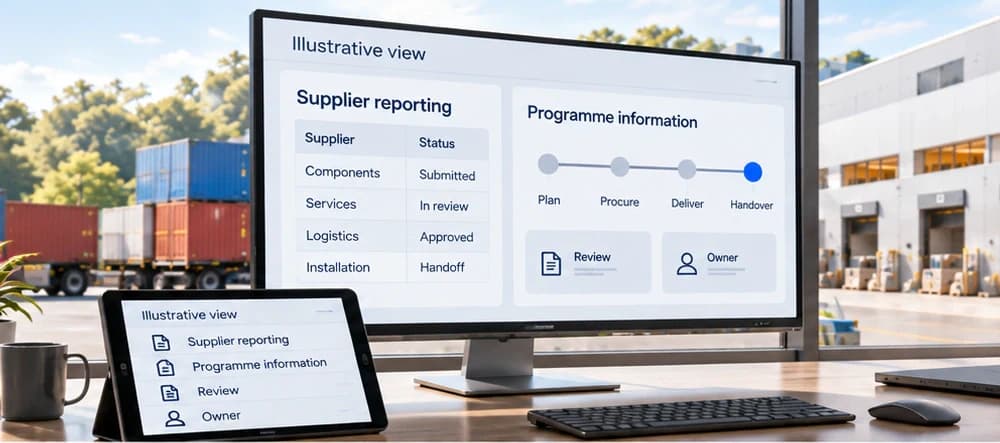
Let’s talk

Bring your operating use case into focus.

Share the reporting, workflow or automation question you face. Explore the users, information and responsibilities a practical response would need to support.

Start a conversation

Begin with the recurring difficulty and the work it affects.
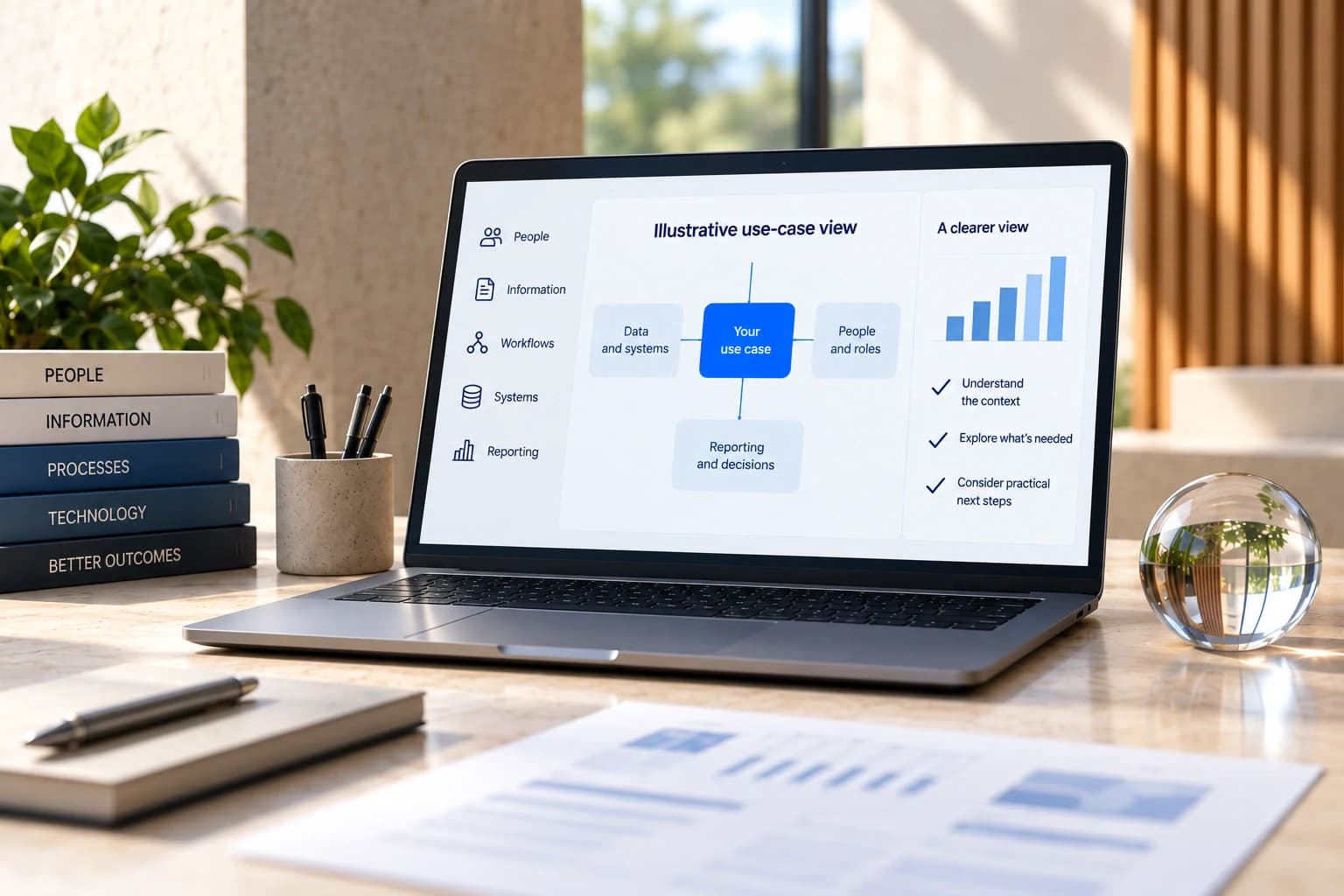
A laptop connects an operating use case to data, people and decisions on a warm desk with reference books and a glass orb.
Illustrative use-case view. People, Information, Workflows, Systems, Reporting. Your use case connects Data and systems, People and roles, Reporting and decisions. A clearer view: Understand the context; Explore what is needed; Consider practical next steps. Book topics People, Information, Processes, Technology, Better outcomes. No measured result is asserted. Neutral illustrative bars have no numeric axis and do not report results.